What we learned to do this semester
Everything here was taught and practiced in our team meetings, on the client's data or on public data. It is organized by topic, in the order a project runs. The pictures are slides from those meetings.
Understand the client first
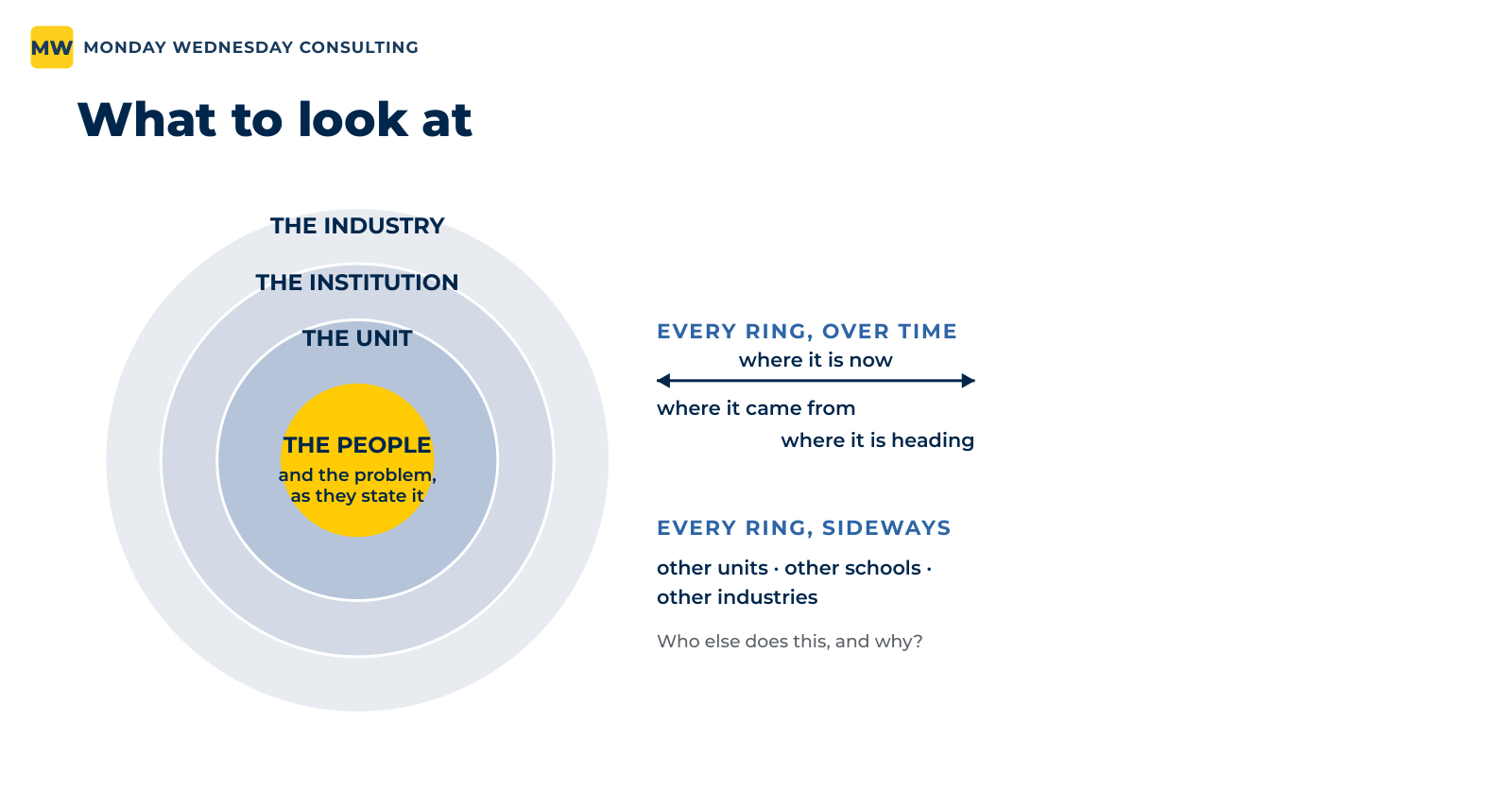
Before any data and before any analysis, we ask whom we are working for and what they are really after. Two questions, in this order: what is actually going on here, and given that, what can we do? Each of us researched the client alone, looking at it in rings, from the people and their problem out to the industry. Then we pooled what we found and took our open questions to the client.
Agree on what we deliver
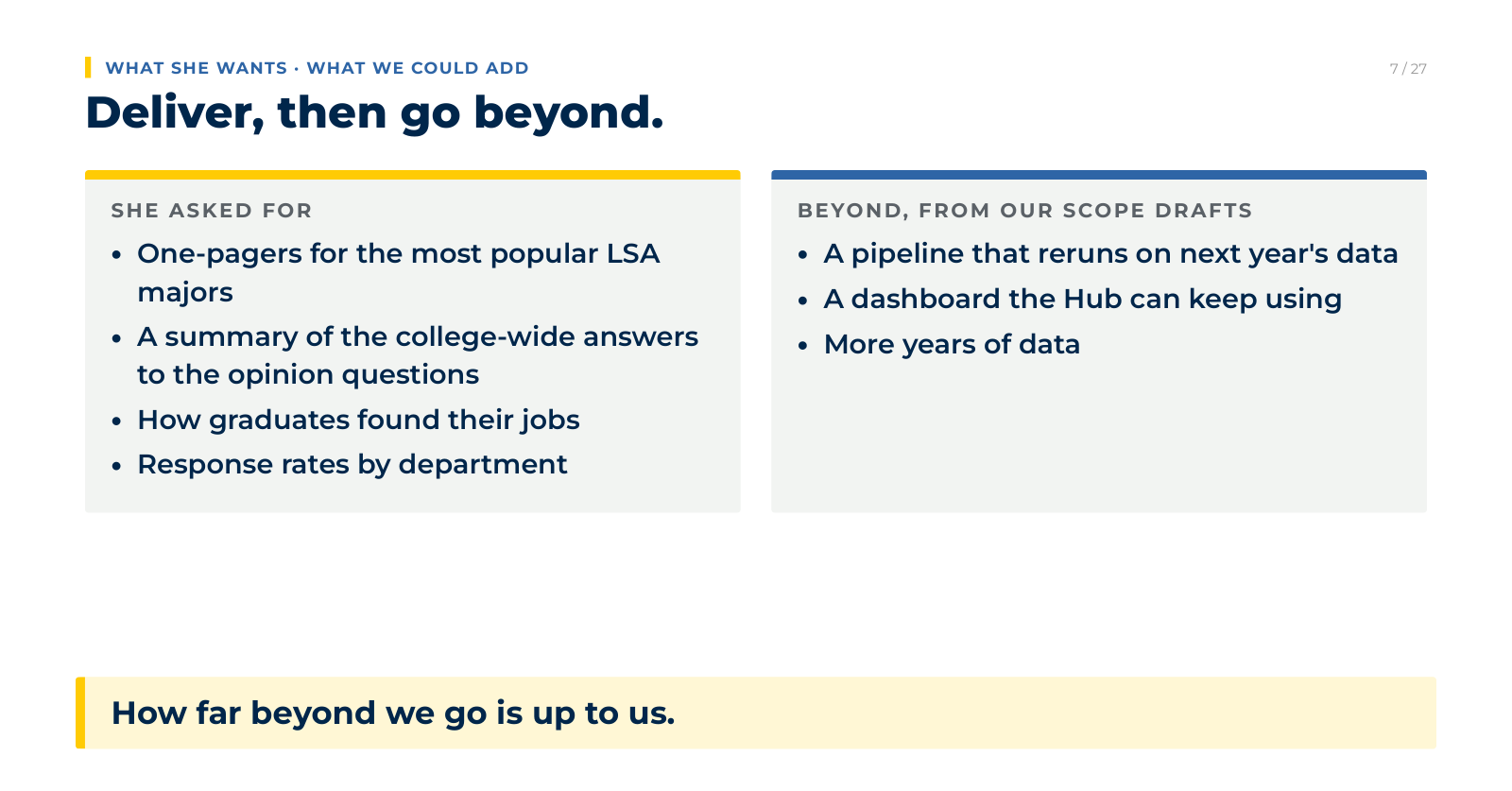
Each of us drafted a scope of work: what we would hand over, what we would not do, and what we needed from the client. We compared the drafts and set what the client asked for beside what we could add. The result was a project initiation document for the client to review. We deliver what was asked first, then go beyond it.
Know what makes data sensitive
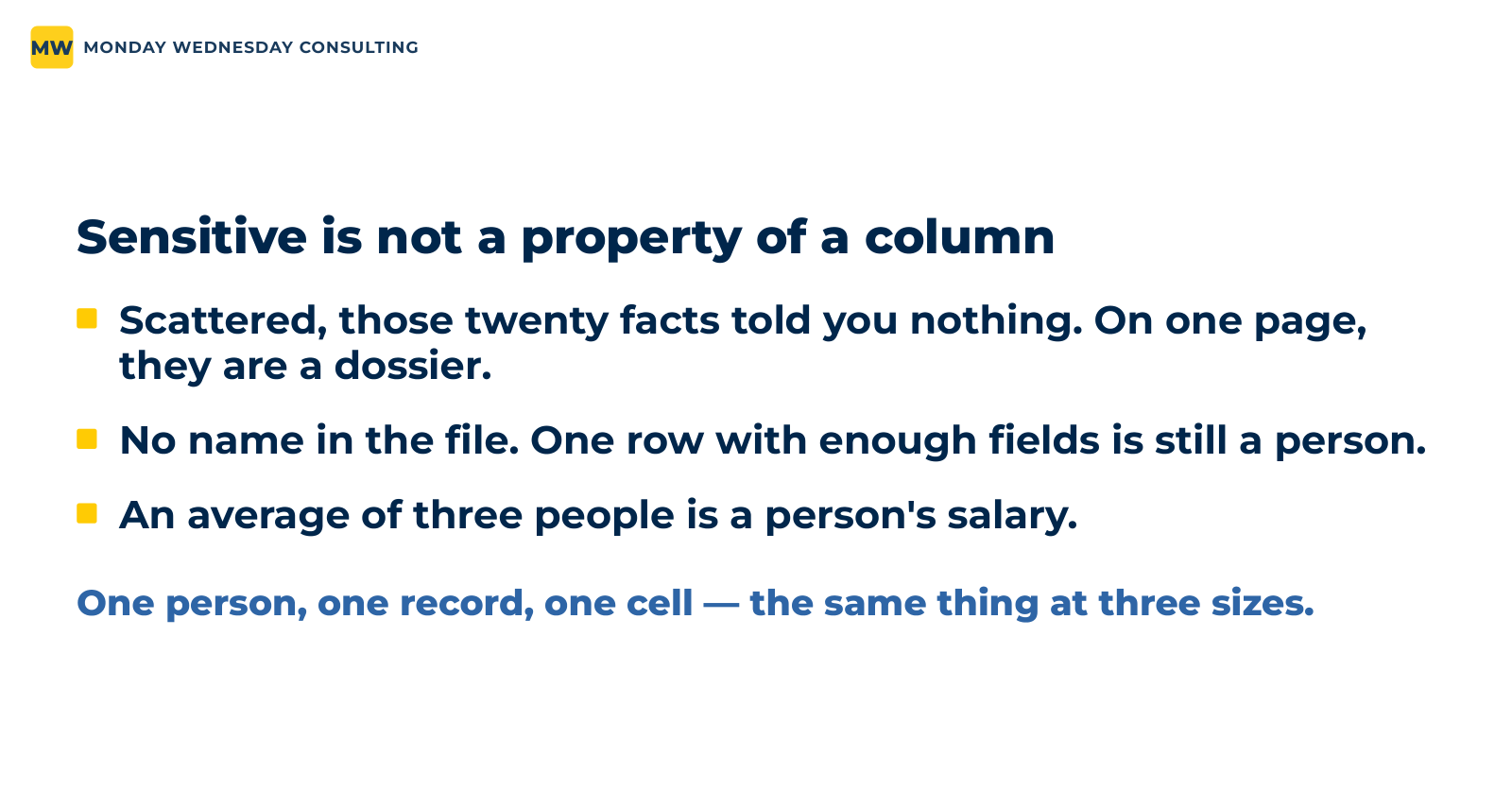
A file with no names in it can still point to a person. Twenty public facts gathered on one page become a dossier. One row with enough fields is still someone. An average of three people is a person's salary. So we settle where the data may go before it arrives, and before any number leaves the room we ask who it could point to.
Look before you touch, then clean in the open
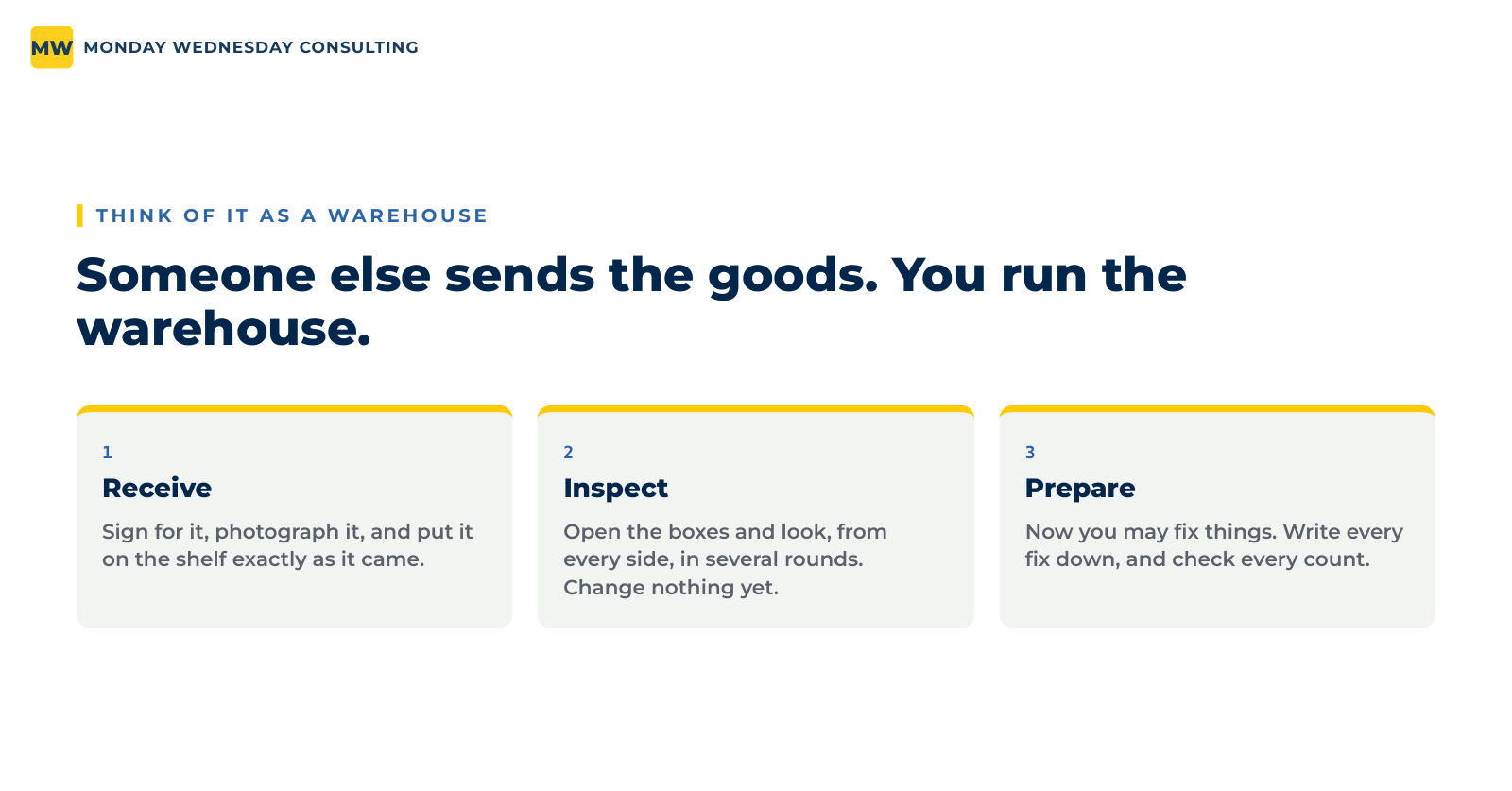
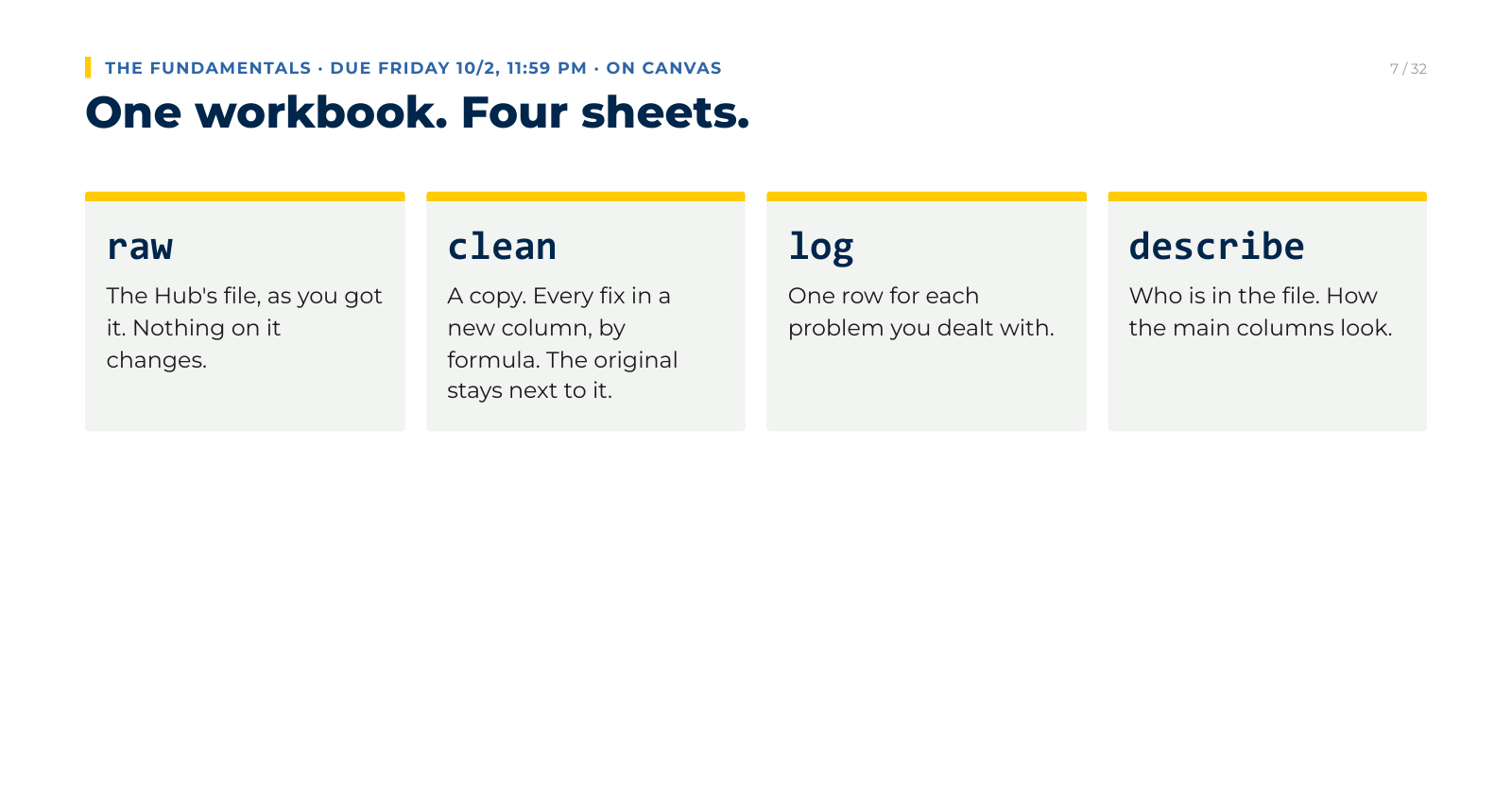
We treat a client's file like goods arriving at a warehouse: receive it exactly as it came, inspect every column, and only then prepare it. We cleaned in Excel first, on a workbook anyone can open. The client's file sits untouched on one sheet, every fix is a formula in a new column on the next, and a log records each problem and what we did about it.
Write the cleaning once, run it again
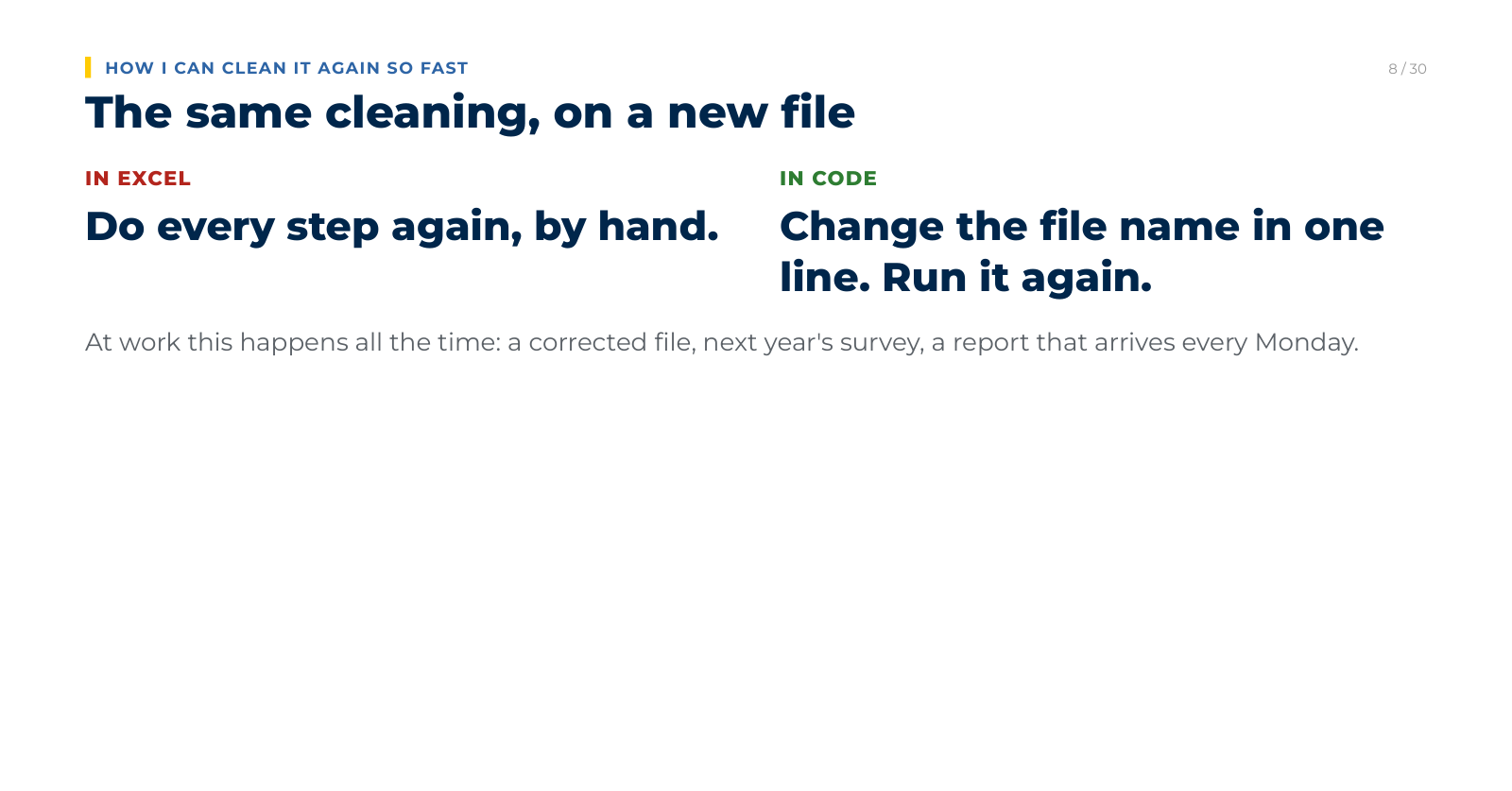
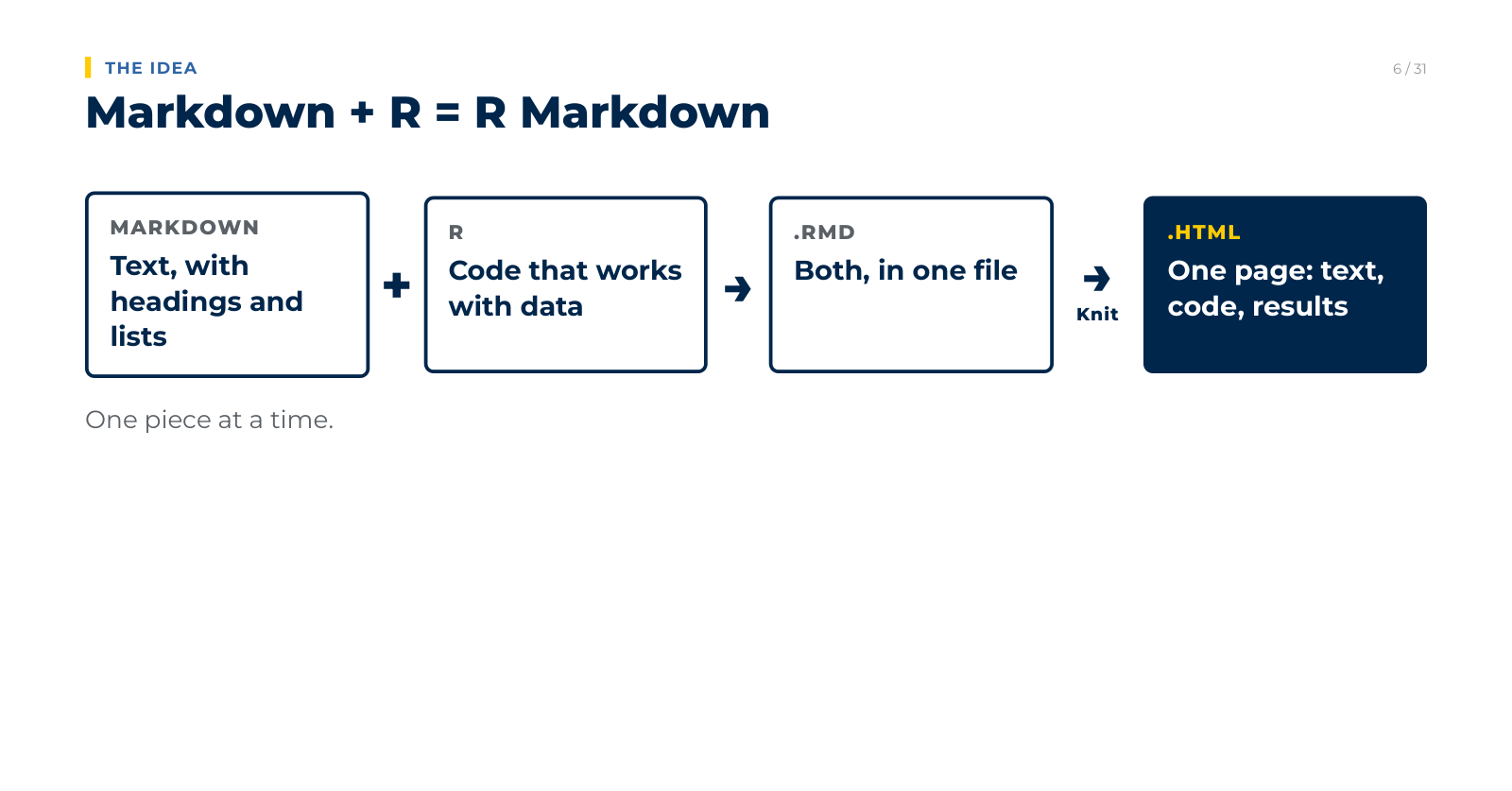
When the client sent a corrected file, all the cleaning had to be done again. In Excel that means doing every step by hand. In code, you change the file name in one line and run it. We wrote the cleaning in R Markdown, which keeps the text, the code, and the results in one file and turns them into one page.
Put AI to work on real tasks
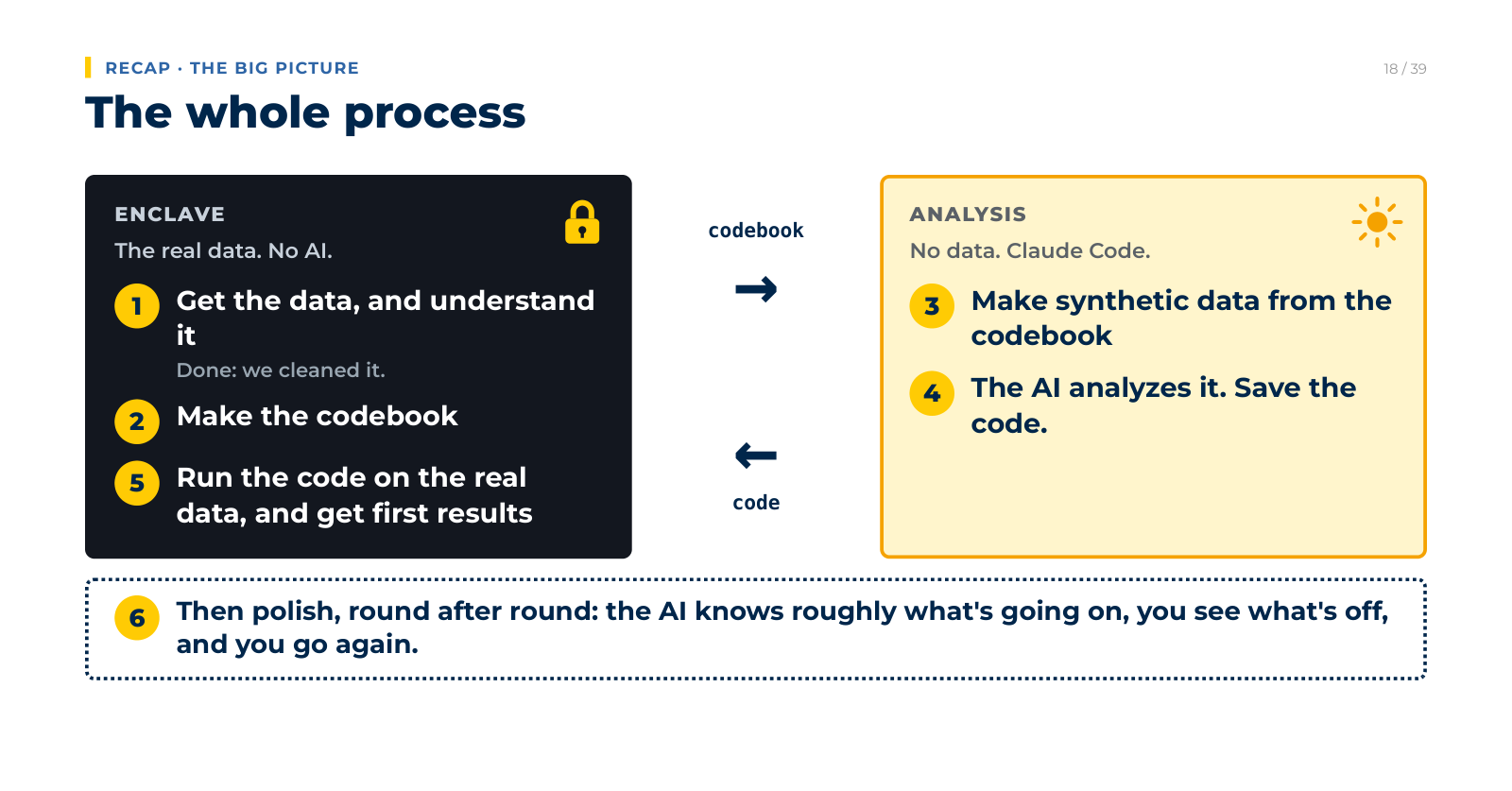
We work with Claude Code, an AI that reads and writes files and runs code on our own computers. With it we built a personal website from a folder of files, a dashboard from a table, and a one-page summary for each of 99 majors from a single template. The client's records never go into it. The AI builds synthetic data from a codebook, writes and tests the analysis on that, and the finished code runs on the real records in a locked folder.

Build something rough, then go round again
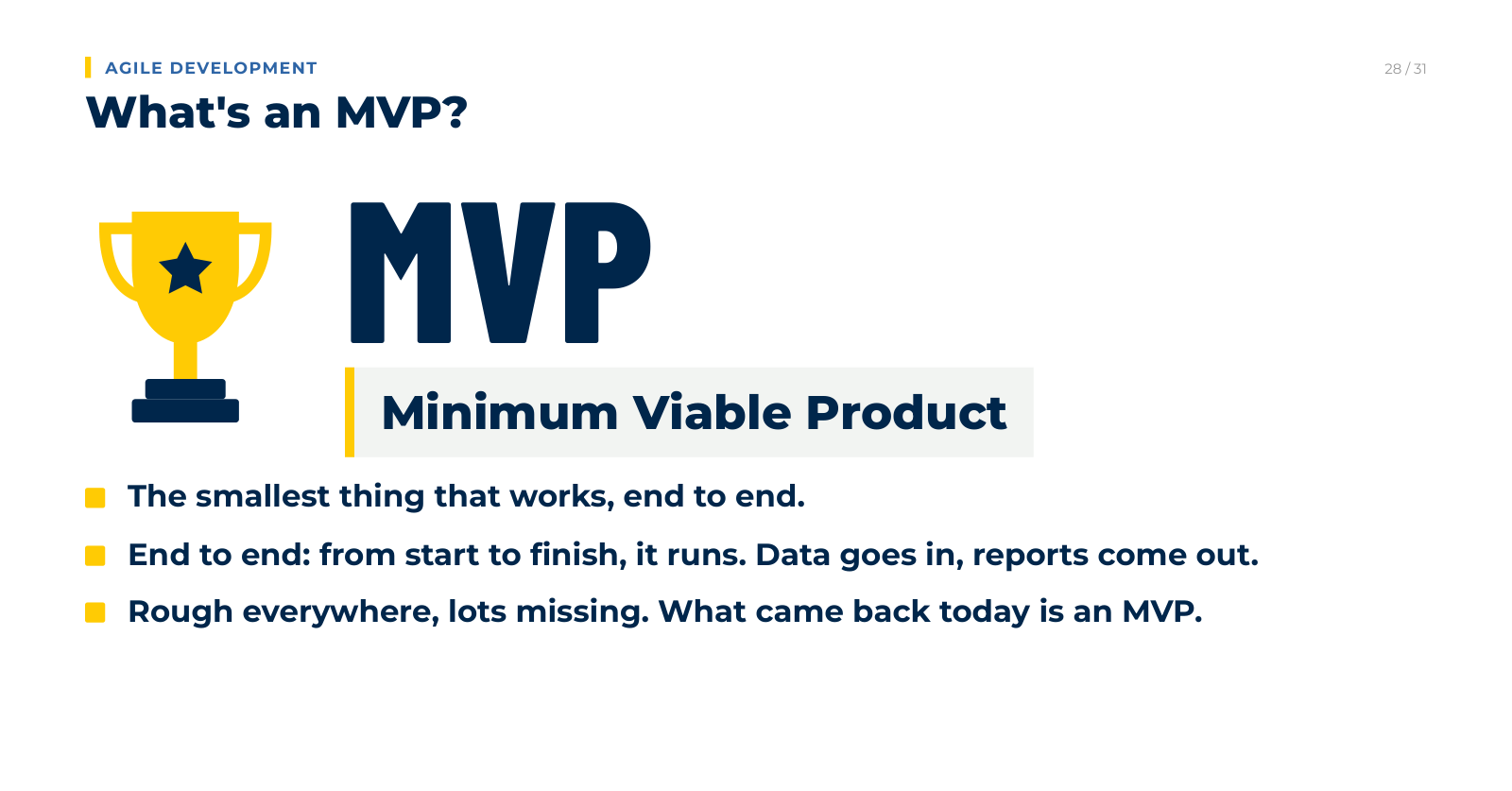
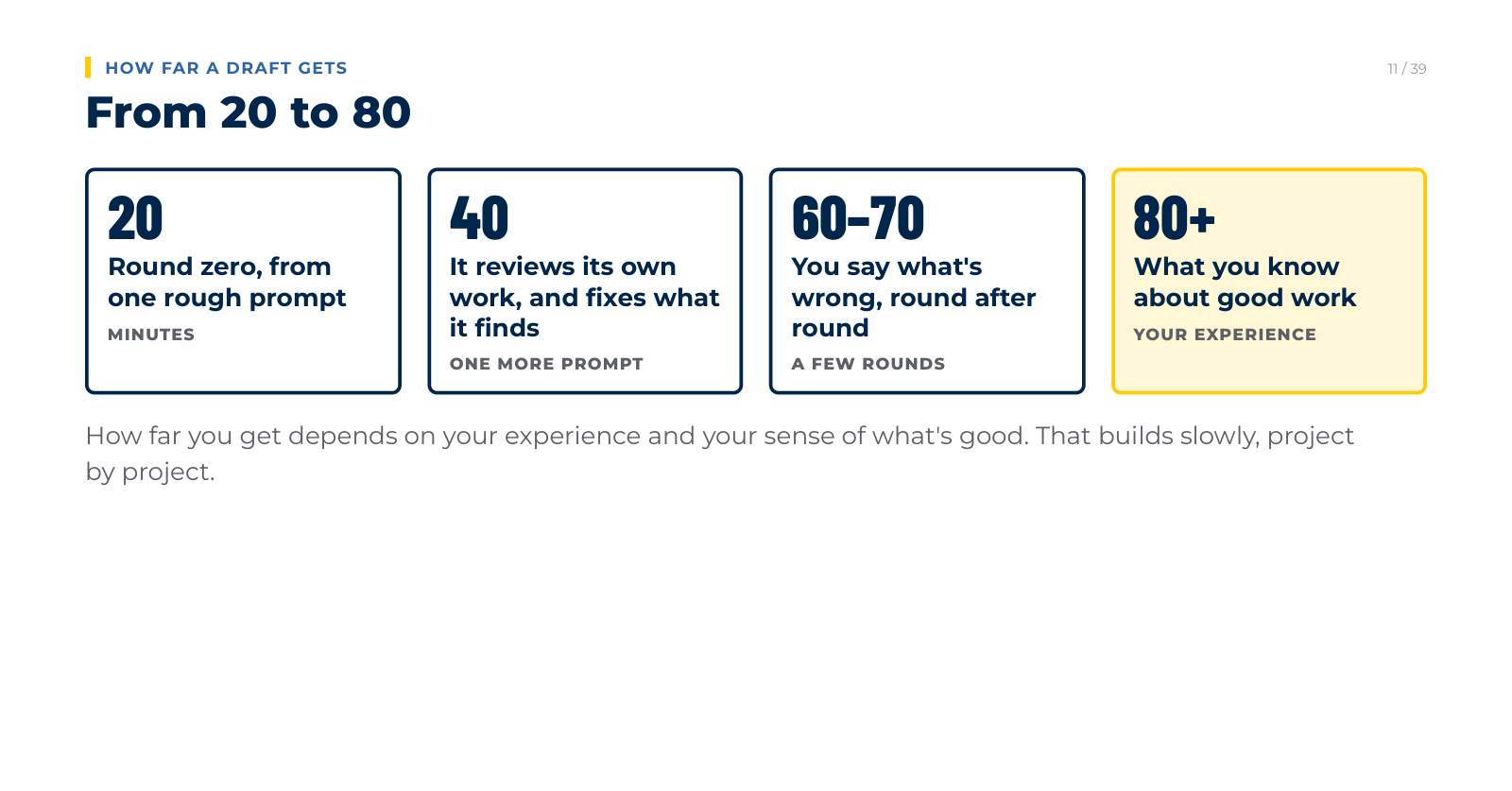
From one rough prompt, the AI built thirteen department reports in minutes. They ran, and they were not good yet. Getting from a first version that works to one worth handing over takes rounds: look at it, say what is wrong, change it, look again. Some of what a report needs only people can bring. The facts come from the client, the rules are ours to set, and taste comes from looking at a lot of good work.
Put it online
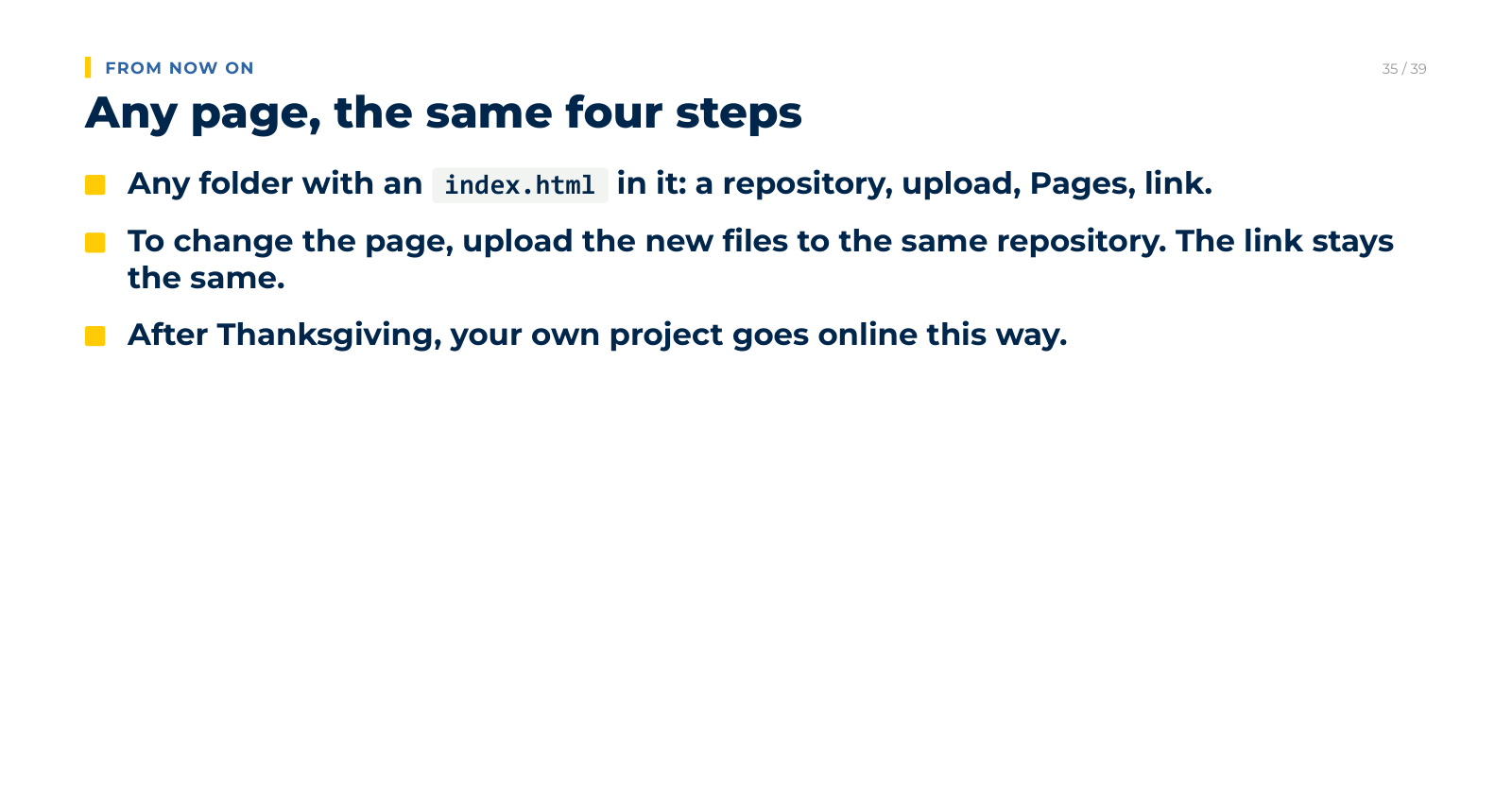
Any page we make can be on the web in four steps: a repository on GitHub, upload the files, turn on Pages, share the link. We learned to build a page for a project of our own and put it online.
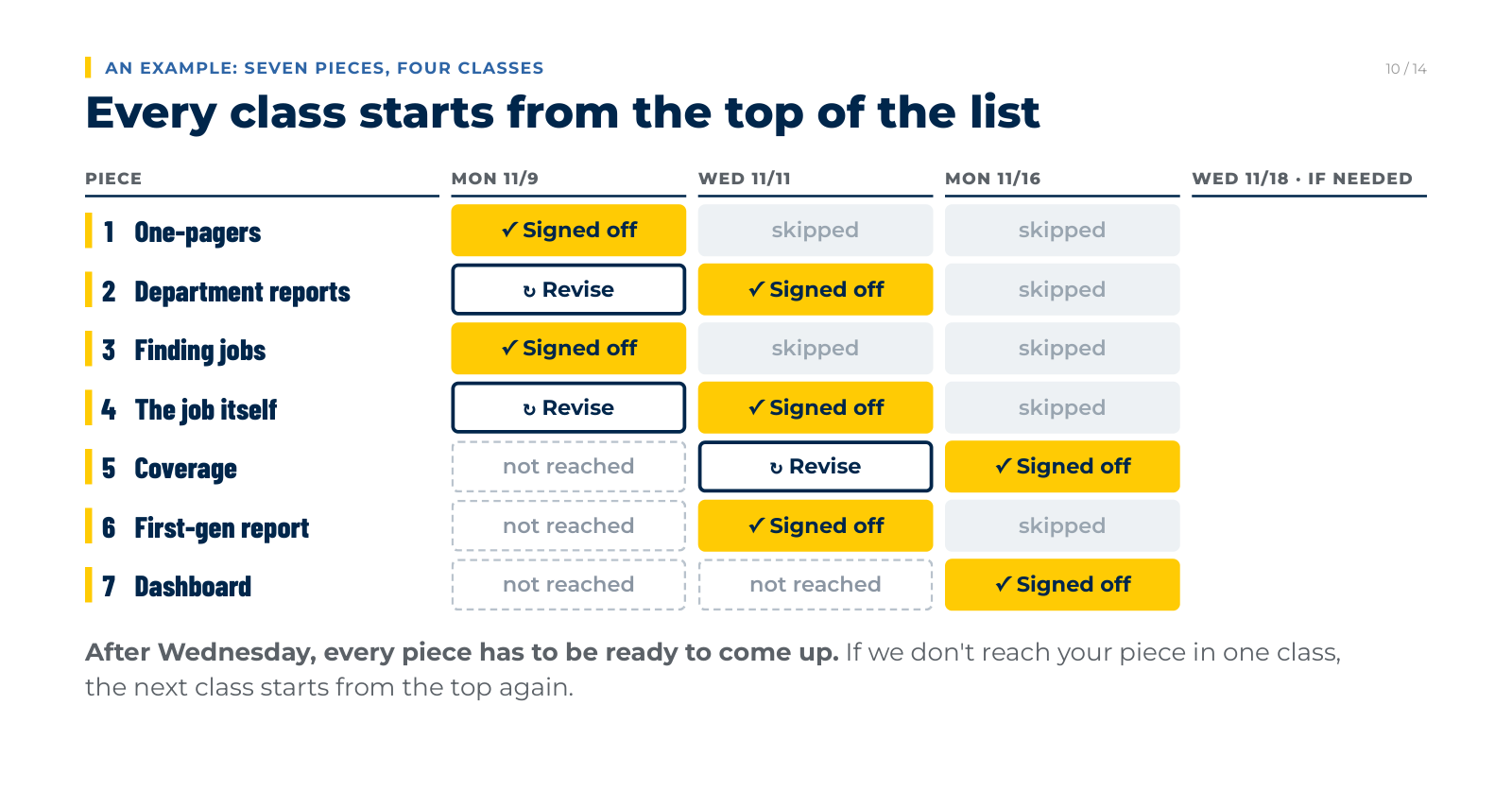
Show it until it passes
Each deliverable has a lead team, and the lead team shows its piece to the whole firm. Every meeting starts from the top of the list. Pieces that passed are skipped, and pieces that did not come back revised. What passes goes to the client.